





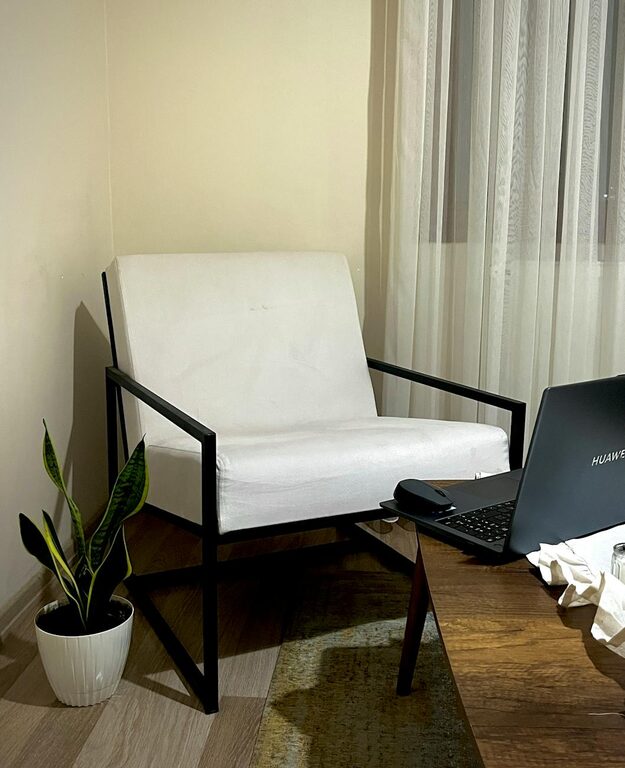
Creating a home office that feels both cozy and functional can make a huge difference in your daily work routine. Whether you work remotely full-time or occasionally need a quiet spot to focus, a well-designed workspace can boost your productivity and overall well-being. In this post, we’ll explore practical tips to help you craft an inviting and efficient home office space.
Choose the Right Location
The first step in setting up a home office is picking the best spot. Ideally, find a quiet area with minimal distractions. This could be a spare room, a corner in your living room, or even a section of your bedroom. Consider the following when choosing your location:
– Natural light: A space near a window can improve mood and reduce eye strain.
– Privacy: Select a place where you can avoid interruptions during work hours.
– Space: Ensure there’s enough room for your desk, chair, and storage needs.
Invest in Comfortable Furniture
Comfort plays a big role in how productive you feel during your workday. Opt for ergonomic furniture that supports good posture:
– Desk: Choose a desk with enough surface to accommodate your computer, papers, and other essentials without clutter.
– Chair: A supportive office chair with adjustable height and lumbar support is ideal.
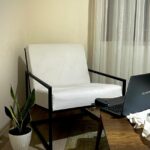
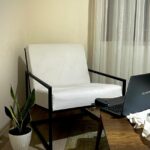
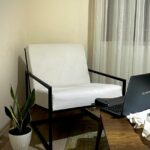
– Additional seating: If space allows, add a comfy chair or small sofa for reading or brainstorming.
Organize Your Workspace Wisely
Keeping your desk tidy helps maintain focus and efficiency. Here are a few organisational tips:
– Use desk organizers for pens, papers, and small office supplies.
– Invest in shelves, filing cabinets, or baskets to keep documents and books accessible but out of the way.
– Consider cable management tools to keep cords neat and prevent tangling.
Personalize to Make it Cozy
A workspace doesn’t have to be sterile. Add personal touches that make the room inviting and inspiring:
– Incorporate plants to bring life and improve air quality.
– Use soft textiles like rugs, cushions, or curtains to add warmth.
– Decorate with artwork or photos that motivate you.
– Choose a calming colour palette to create a peaceful atmosphere.
Prioritize Good Lighting
Good lighting reduces eye strain and keeps you alert. Combine natural light with options for task and ambient lighting:
– Position your desk near a window when possible.
– Use an adjustable desk lamp for focused lighting.
– Install soft overhead lights or floor lamps to reduce harsh shadows.
Manage Noise and Distractions
A quiet environment enhances concentration. If you can’t control external noises, try these ideas:
– Use noise-cancelling headphones or listen to low-volume background music.
– Add soft materials like curtains and rugs that absorb sound.
– Communicate your working hours to family or roommates to minimize interruptions.
Maximise Technology Efficiency
Having reliable technology tools is essential for a smooth workflow:
– Invest in a high-speed internet connection.
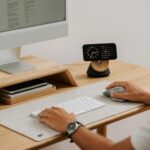
– Use a quality monitor, keyboard, and mouse to reduce strain.
– Keep chargers and tech accessories organised and within reach.
Keep Health in Mind
Working from home means you might miss the natural breaks of an office. Stay healthy by:
– Taking regular breaks to stretch and move around.
– Keeping a water bottle handy to stay hydrated.
– Adjusting your screen to eye level to avoid neck strain.
Create a Routine and Boundaries
Finally, design your home office to support a healthy work-life balance:
– Set specific work hours and stick to them.
– Use the office space only for work, if possible, to separate job and personal life.
– At the end of the day, clear your desk and close the office door to signal the end of work.
—
By following these tips, you can build a home office that is both inviting and practical. A cozy, well-organised workspace can help you focus, reduce stress, and enjoy your work-from-home experience more fully. Take the time to personalise and optimise your environment—it’s an investment in your comfort and productivity.